

Features Generation
The Features section is where you define and manage the functional requirements of your project. Vibemap uses AI to generate a comprehensive list of features based on your project description and user personas, ensuring that every functional requirement is grounded in user needs.
Accessing Features Section
Navigation
Navigate to the project sidebar.
Click the "Features" tab.
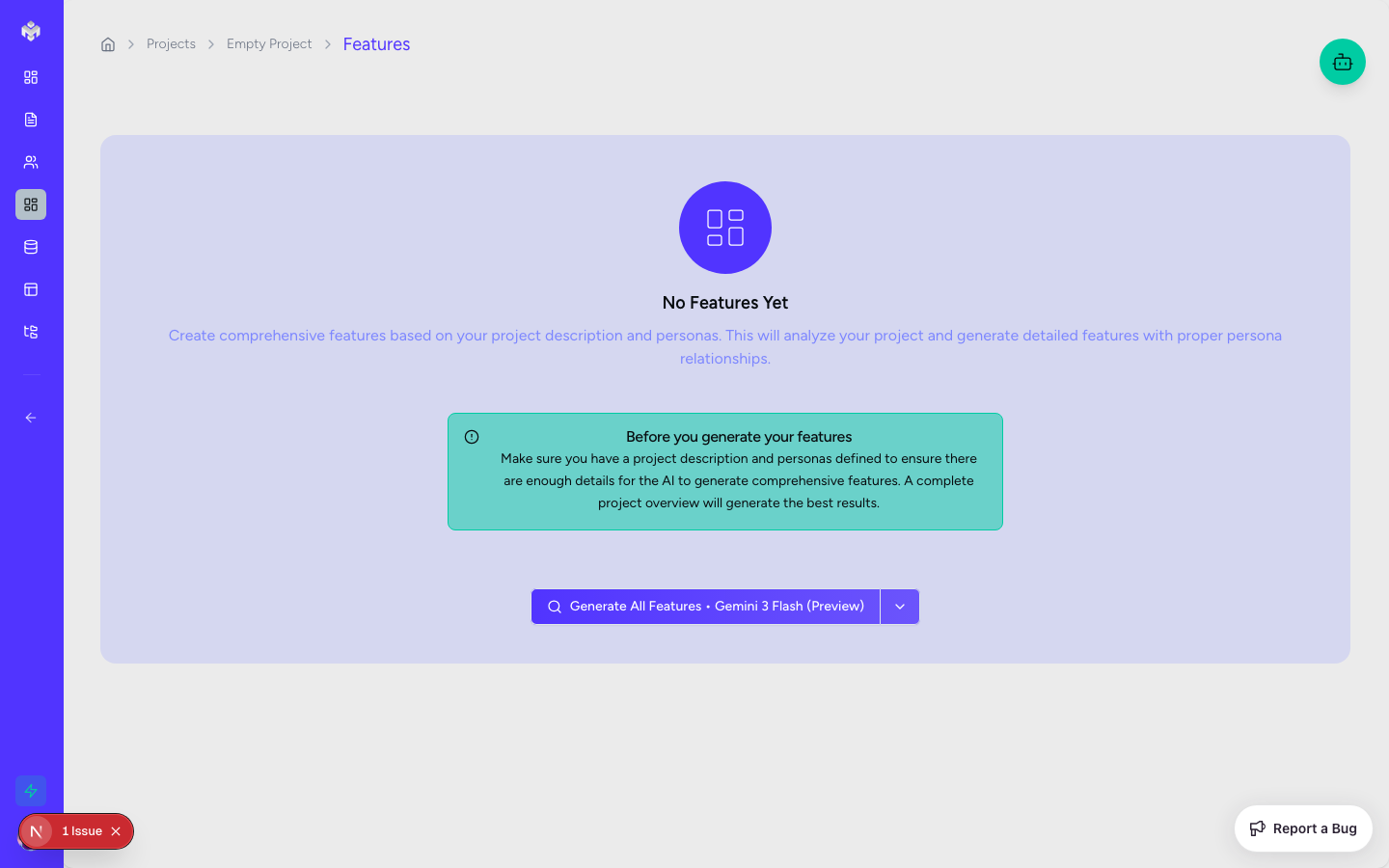
If no features exist, you'll see an empty state with a "Generate Features" button.
Features Page Layout
Header Section:
Title: "Project Features"
Generate Features Button: Primary CTA for AI-driven requirement generation.
Add Feature Button: Manual feature creation for custom requirements.
Filters: Quickly filter by status, priority, or complexity.
Search: Real-time search by feature name or description.
Content Area:
Feature Tabs: Switch between different visual representations (Cards, Storyboard, Table, etc.).
Empty State: Detailed onboarding message when no features exist.
Generating Features
Features Generation Process
Click the "Generate Features" button in the empty state.
The system analyzes your project description and the previously generated personas.
Real-time generation with progress updates will appear as the AI breaks down the project into logical modules.
Once complete, your features are organized into several interactive views.
What Gets Generated
Feature Categories: Logical groupings like "Authentication", "Dashboard", or "Settings".
Feature Names & Descriptions: Detailed explanations of what the feature does and why.
Priority Levels: Assignments of High, Medium, or Low based on MVP necessity.
Complexity: Estimates of technical difficulty (Simple, Medium, Complex).
Business Value: A 1-10 rating indicating the value to the end-user or business.
Effort Estimates: Story points representing estimated development time.
Feature Views
Vibemap provides multiple ways to view and interact with your features.
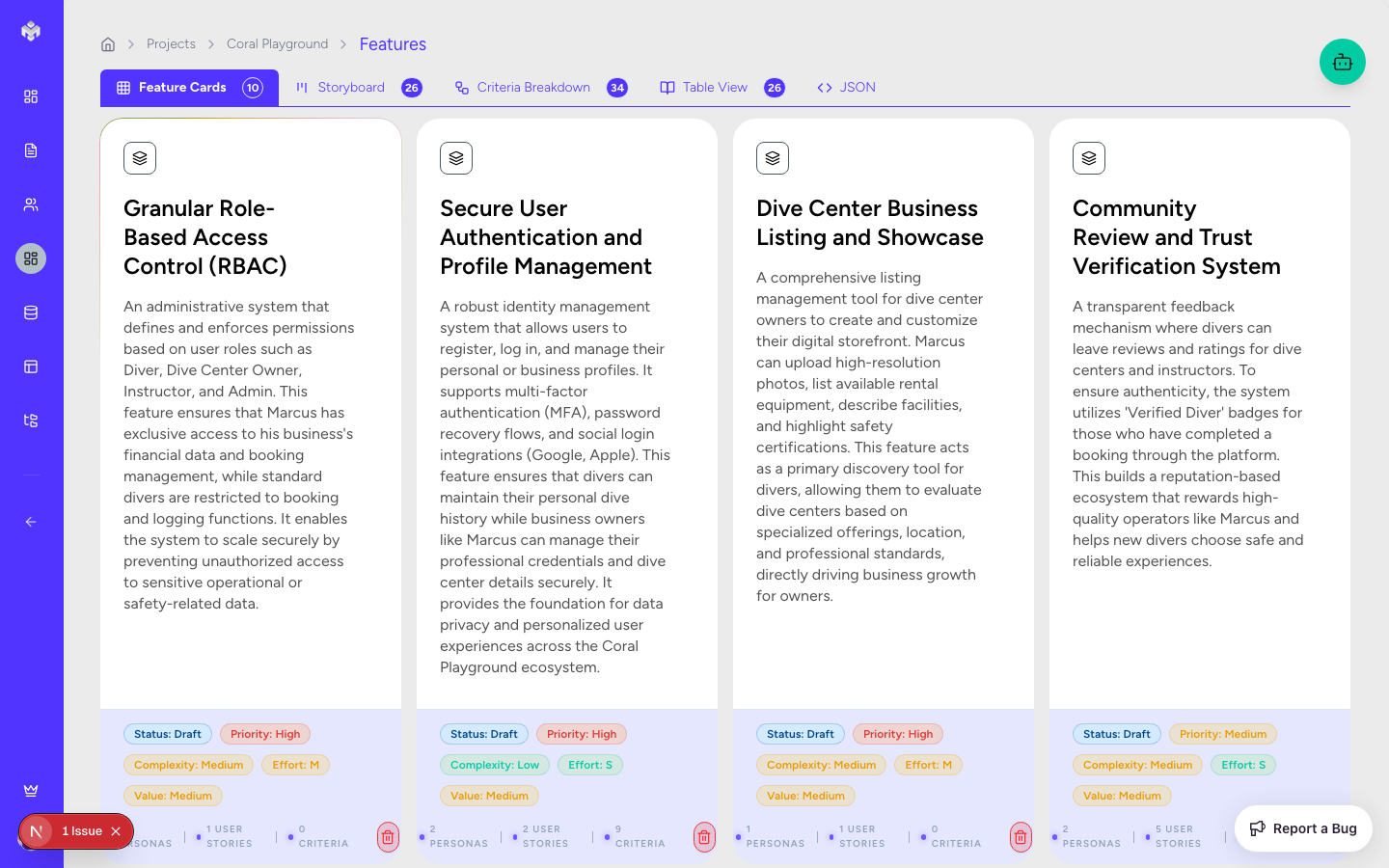
Feature Cards
The default view provides a high-level visual overview, grouped by category. This is best for a quick scan of the project scope.
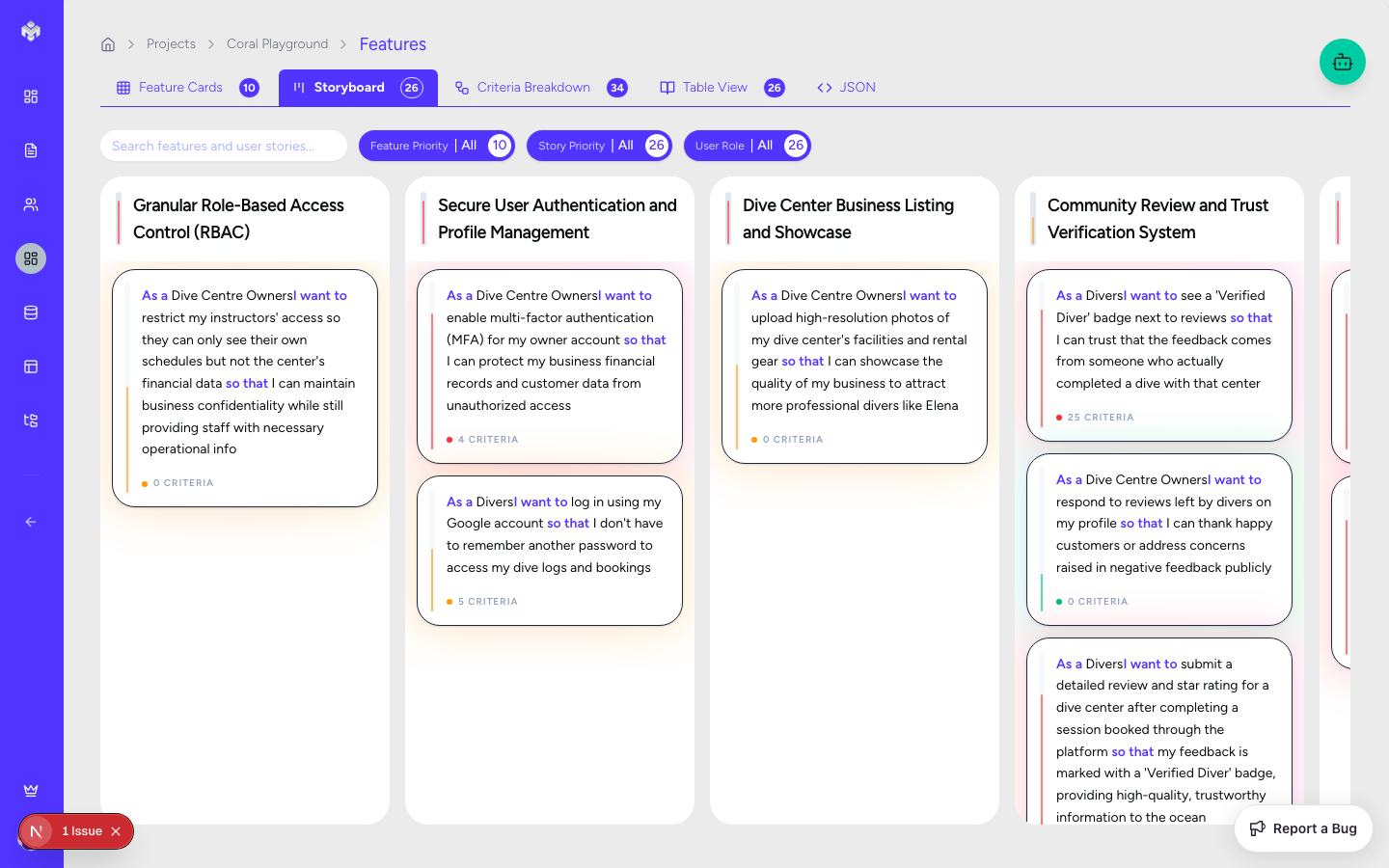
Storyboard
This view connects features directly to the User Stories they fulfill, providing a narrative flow of how users interact with each feature.
Criteria Breakdown
A detailed view focused on the Acceptance Criteria for each user story. This is essential for developers and QA to understand the "Definition of Done".
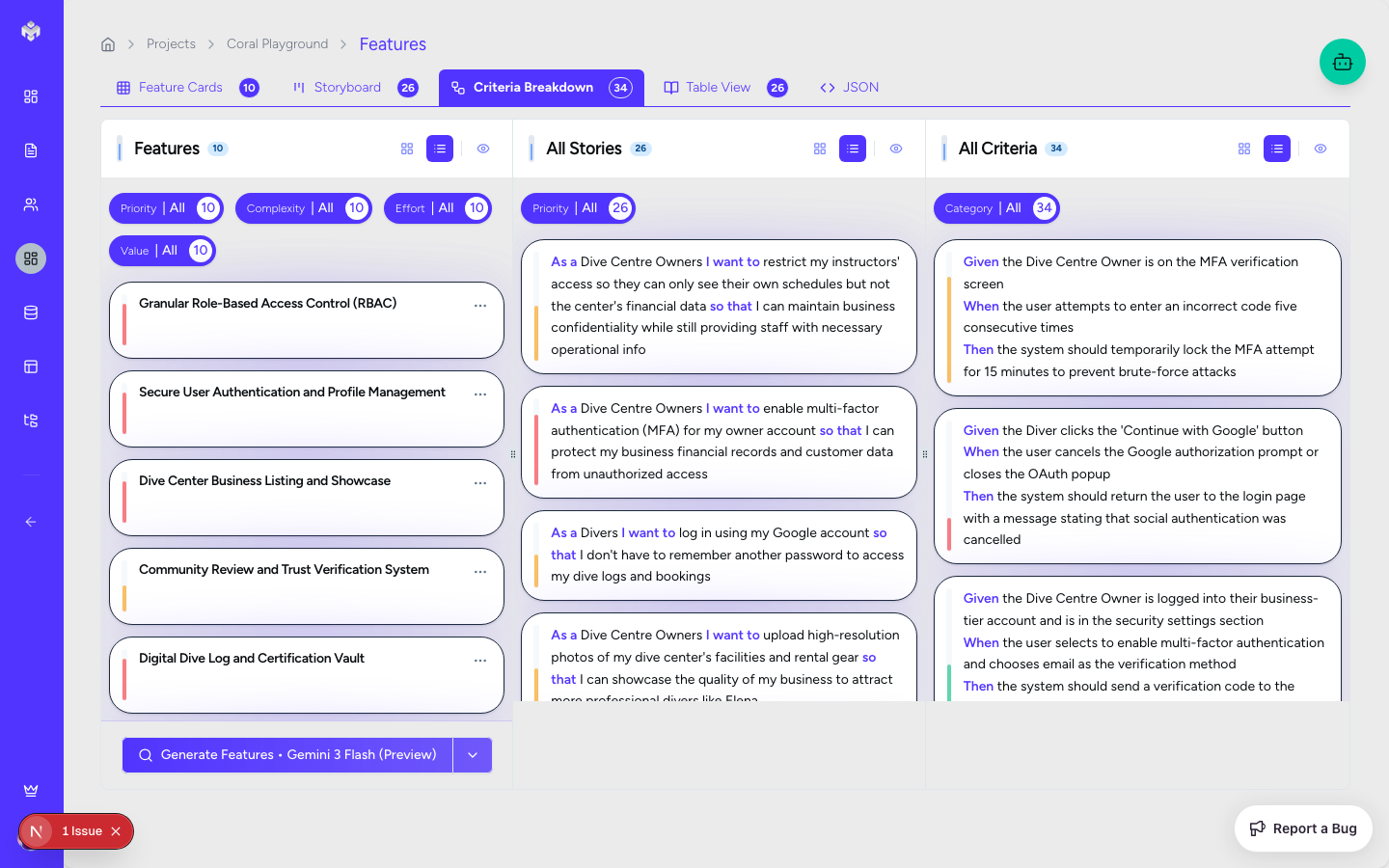
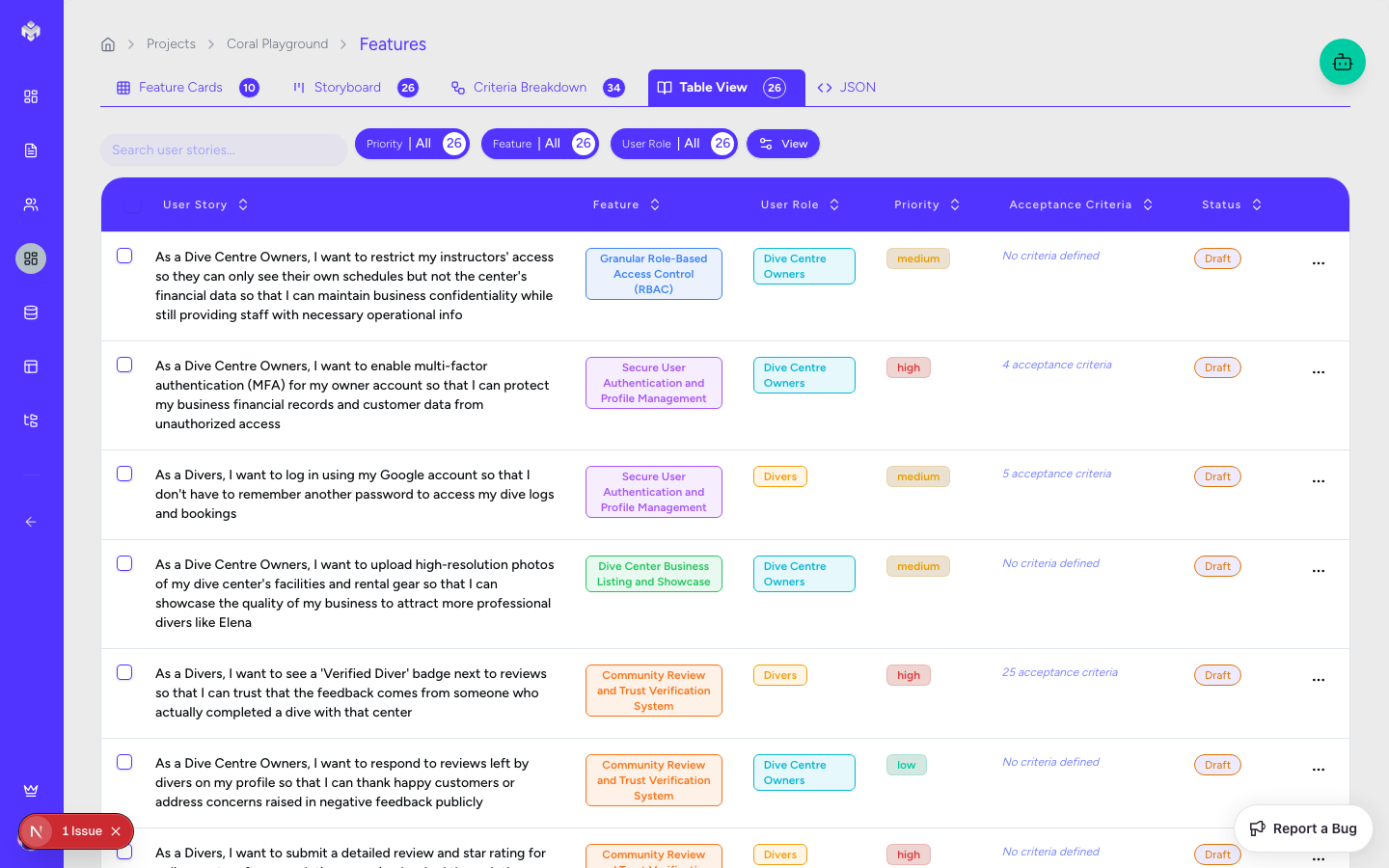
Table View
A powerful, sortable list for bulk management.
Columns & Data Points:
Name: Feature title (editable).
Description: Detailed functionality explanation.
Category: Dropdown selection for grouping.
Priority: High/Medium/Low assignment.
Complexity: Simple/Medium/Complex estimation.
Status: Not Started, In Progress, or Completed.
Business Value: 1-10 rating.
Effort: Story point estimation.
Feature Operations
Individual Feature View
Click any feature row or card to expand the detail panel.
View complete descriptions, related user stories, and technical dependencies.
Creating Manual Features
Click the "Add Feature" button.
Fill in the required fields:
Name: 100 character limit.
Description: Detailed explanation (minimum 50 characters recommended).
Category: Select from the predefined list or add a new one.
Set optional metrics: Priority, Complexity, and Business Value.
Click "Save Feature".
Editing and Updating
Click the edit icon on any feature.
You can modify basic info, metrics, and relationships.
Bulk Editing: Use the checkboxes in Table View to update statuses or priorities for multiple features at once.
Deleting Features
Individual: Use the delete icon. Note that deleting a feature will also remove its associated user stories and acceptance criteria.
Bulk: Select multiple and use the "Delete Selected" button.
Impact Warning: The system will alert you if a feature has dependencies or related technical documentation.
Feature Categories and Prioritization
Common Categories
User Interface: Navigation, Forms, Interaction.
Business Logic: Authentication, Data Management, Workflows.
Technical: Performance, Security, API Integrations.
Priority Assignment Guidelines
High: Essential for MVP, blocks other features, or is user-critical.
Medium: Important for the full experience but not required for a launch.
Low: Optional "nice-to-have" polish or post-MVP enhancements.
Feature Dependencies
Vibemap allows you to map dependencies between features. For example, the "Checkout" feature depends on "User Authentication" and "Shopping Cart". These relationships are preserved during code and documentation generation.
Last updated
Was this helpful?