

Project Summary Generation
Once your project is created, Vibemap performs a deep analysis of your prompt to create a comprehensive Project Summary. This acts as your "North Star" for the entire development process, translating your initial idea into a professional project plan that aligns stakeholders and guides the AI in subsequent generation steps.
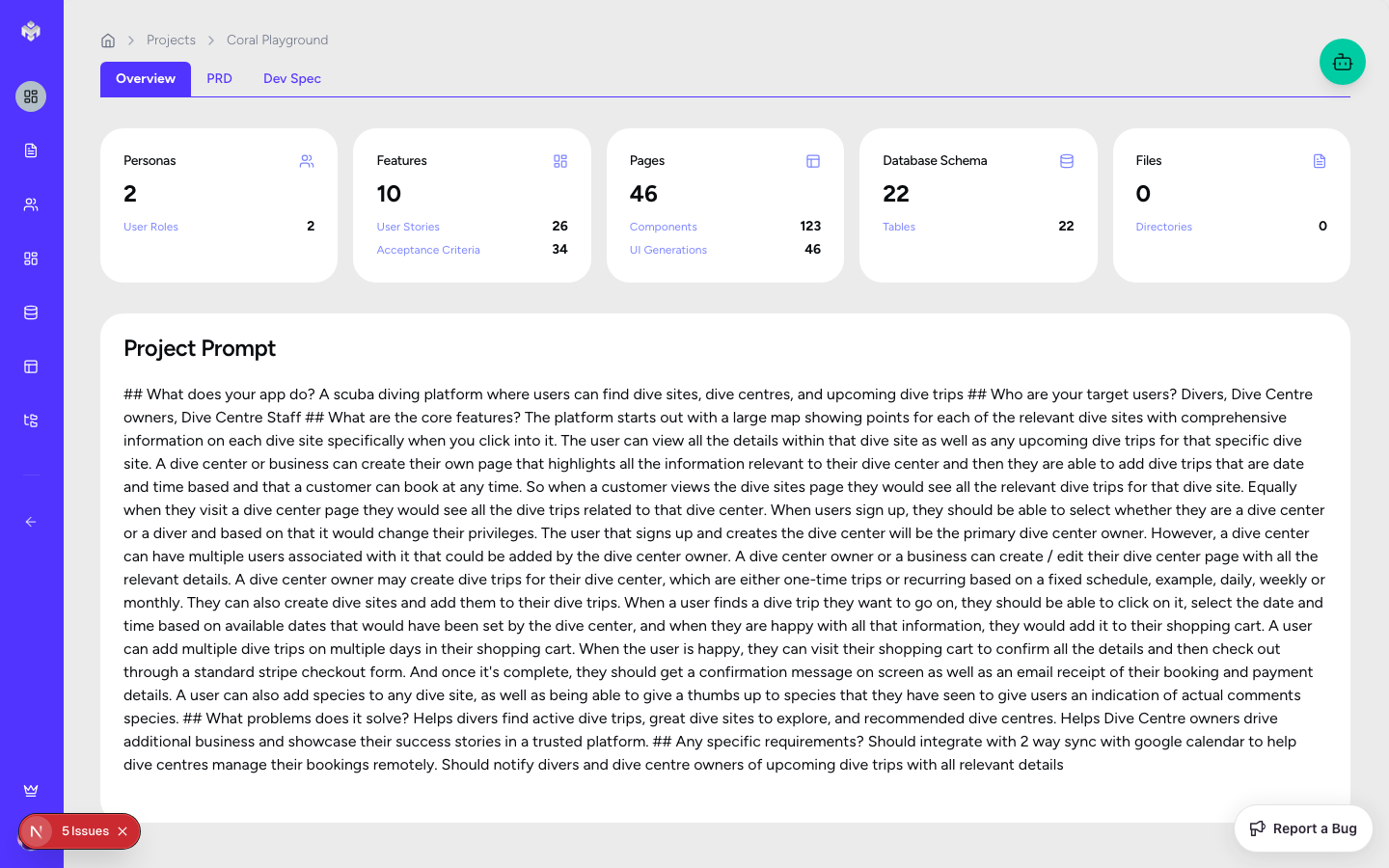
Automatic Summary Generation
The Analysis Process
Upon project creation, the Summary Subagent immediately:
Deconstructs your prompt: Identifying key business goals and technical requirements.
Contextualizes the industry: Applying domain-specific knowledge to your idea.
Drafts a structured specification: Organizing information into four logical pillars.
What Gets Generated
The AI doesn't just restate your prompt; it interprets it into a structured technical specification. It identifies:
Core Value Proposition: The unique problem your project solves.
Key Objectives: Primary business and user goals.
Success Metrics: Measurable KPIs to track the project's health.
Technical Strategy: High-level stack and architecture recommendations.
Risks & Assumptions: Potential blockers identified early in the process.
Project Summary Tabs
The Project Summary is organized into four main tabs to provide a 360-degree view of your project.
1. Overview
The "Executive Summary" of your project.
Visual Elements: Bulleted lists of goals and target audience segments.
Fields: Executive Summary, Business Value Proposition, and Target User Overview.
Actions: You can manually edit any part of the overview to better reflect your specific vision.
2. Features Summary
A high-level look at the functional scope.
Visual Elements: Groupings of feature categories (e.g., "User Auth", "Payment Processing").
Metrics: High-level counts of features by priority (High/Medium/Low).
Complexity: An initial assessment of the project's technical "weight".
3. Technical Overview
Strategic recommendations for implementation.
Stack Recommendations: Suggested technologies (e.g., Next.js, Supabase, Tailwind).
Architecture Patterns: Recommended structural approaches (e.g., "Serverless architecture", "Event-driven updates").
Integration Map: List of required third-party APIs (e.g., "Stripe", "Twilio", "SendGrid").
4. Timeline & Resources
Initial estimates for project planning.
Phased Roadmap: High-level breakdown of development phases (MVP, Beta, V1).
Resource Needs: Suggested team composition or expertise required.
Key Milestones: Critical path items for project success.
Summary Management
Regenerating Analysis
If you update your project's description (found in the sidebar as "Current Prompt") to reflect new insights, you should click the "Regenerate" button. This will completely refresh all four tabs to align with your updated vision.
Editing & Customization
While the AI provides a comprehensive start, human insight is key. You can:
Edit Content: Click the edit icon on any section to refine the AI's language or add specific business requirements.
Add Sections: Manually supplement the AI's analysis with your own documentation.
Exporting and Sharing
The project summary is the ideal document to share with your team or clients:
PDF Export: Generate a professional report for stakeholder review.
Markdown Export: Copy the summary into your internal wiki or README file.
Shareable Link: If enabled, share a view-only link to the project overview.
Next Steps
With the project summary finalized, your "North Star" is set. You can now proceed to Personas Generation to define exactly who will be using the features outlined in your summary.
Last updated
Was this helpful?