

Email Registration
Vibemap provides a secure and straightforward email-based authentication system. This allows you to maintain a dedicated account for your project analysis and documentation.
Email Registration Process
Sign Up Steps
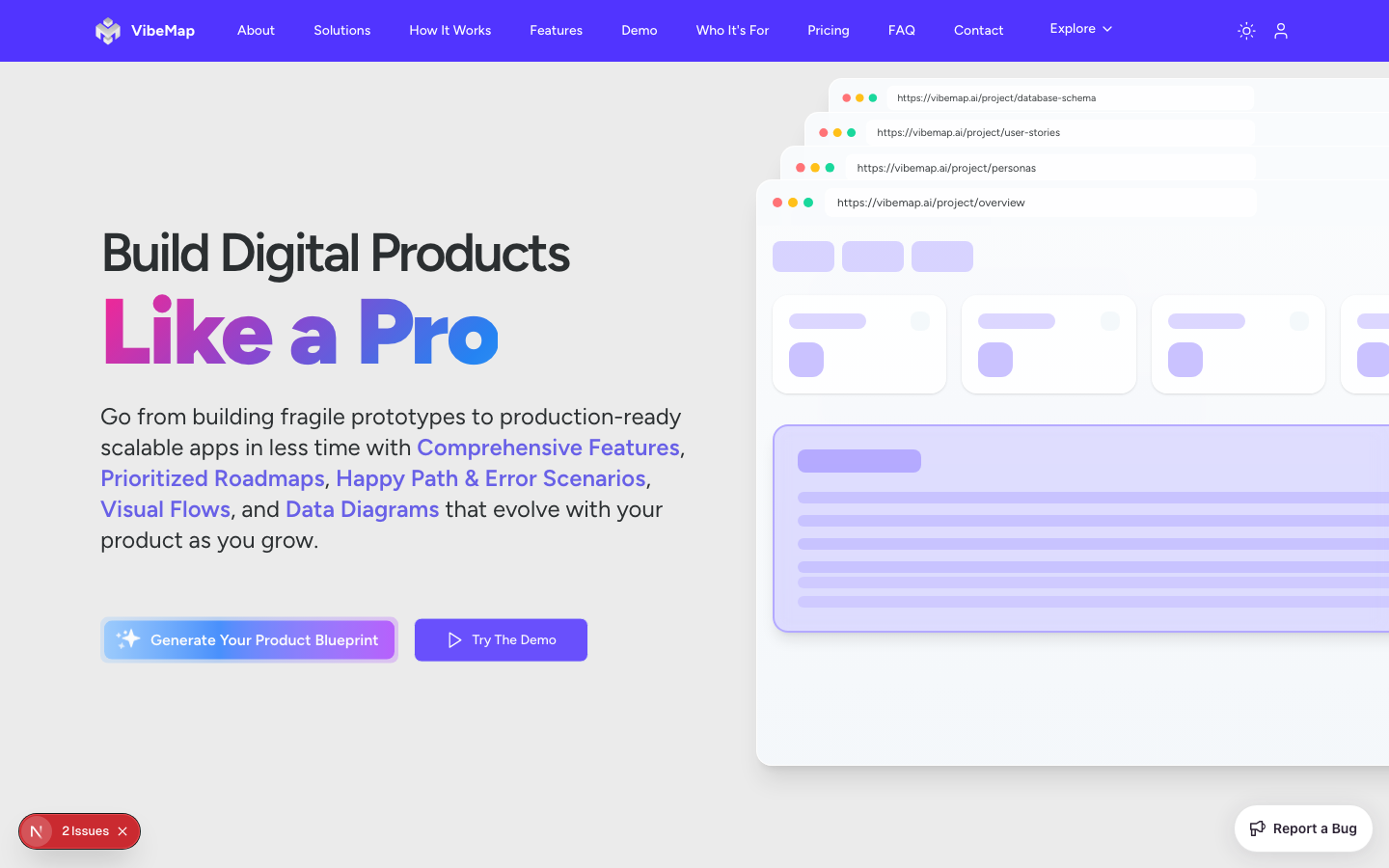
Navigate to the Vibemap landing page.
Click the "Sign Up" or "Get Started" button in the header.
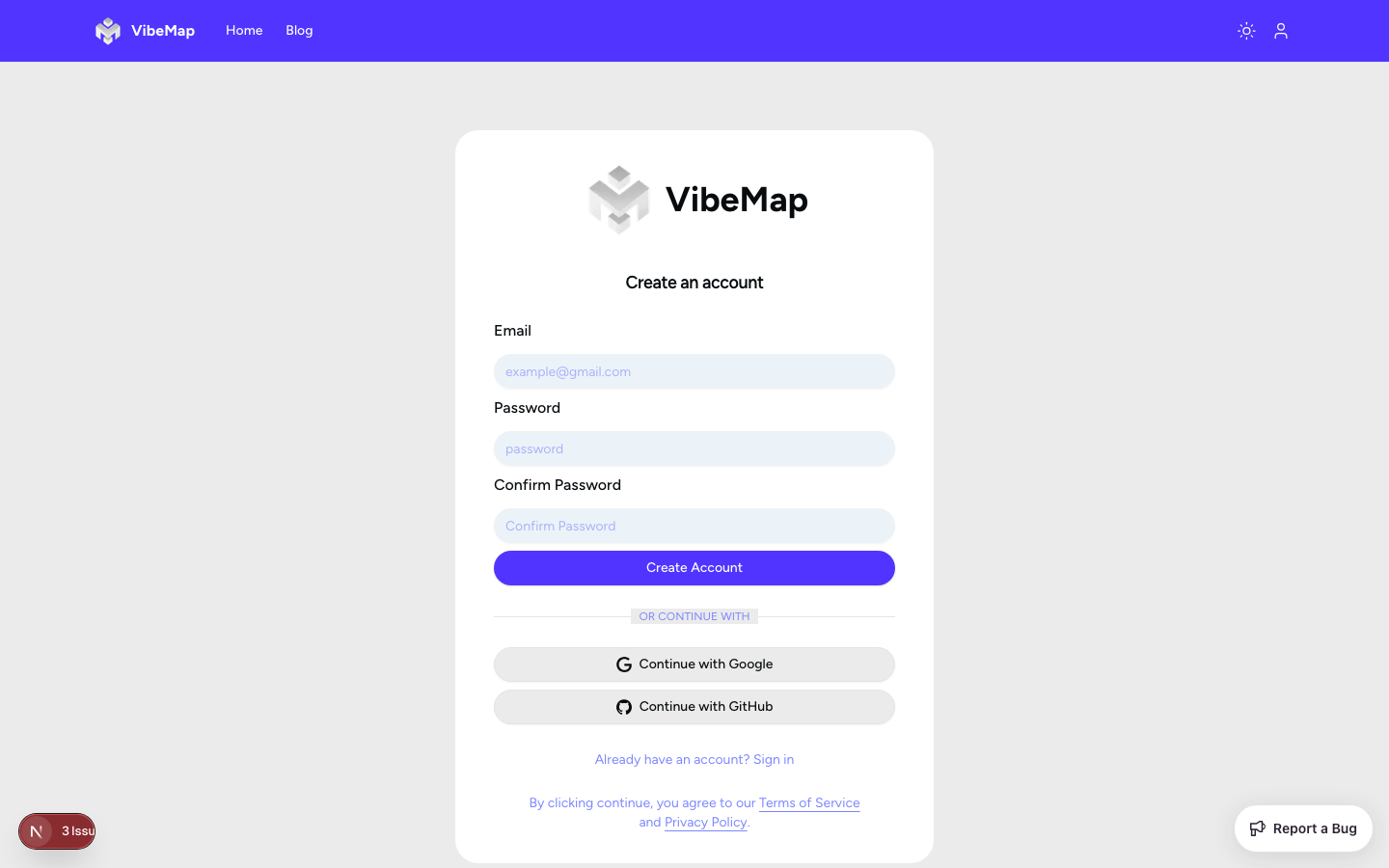
Fill in the registration form:
Email Field: Enter a valid email address you have access to.
Password Field: Create a secure password (minimum 8 characters).
Confirm Password: Re-enter your password to ensure accuracy.
Accept the Terms of Service and Privacy Policy by checking the required boxes.
Click the "Create Account" button.
Password Requirements
To ensure the security of your project data, passwords must meet the following criteria:
Minimum 8 characters.
Must include a combination of letters and numbers.
We recommend including at least one special character.
Email Verification
After clicking "Create Account", check your email inbox for a verification message from Vibemap.
Click the verification link inside the email to activate your account.
Once verified, you will be automatically logged in and redirected to your dashboard.
Email Login Process
Login Steps
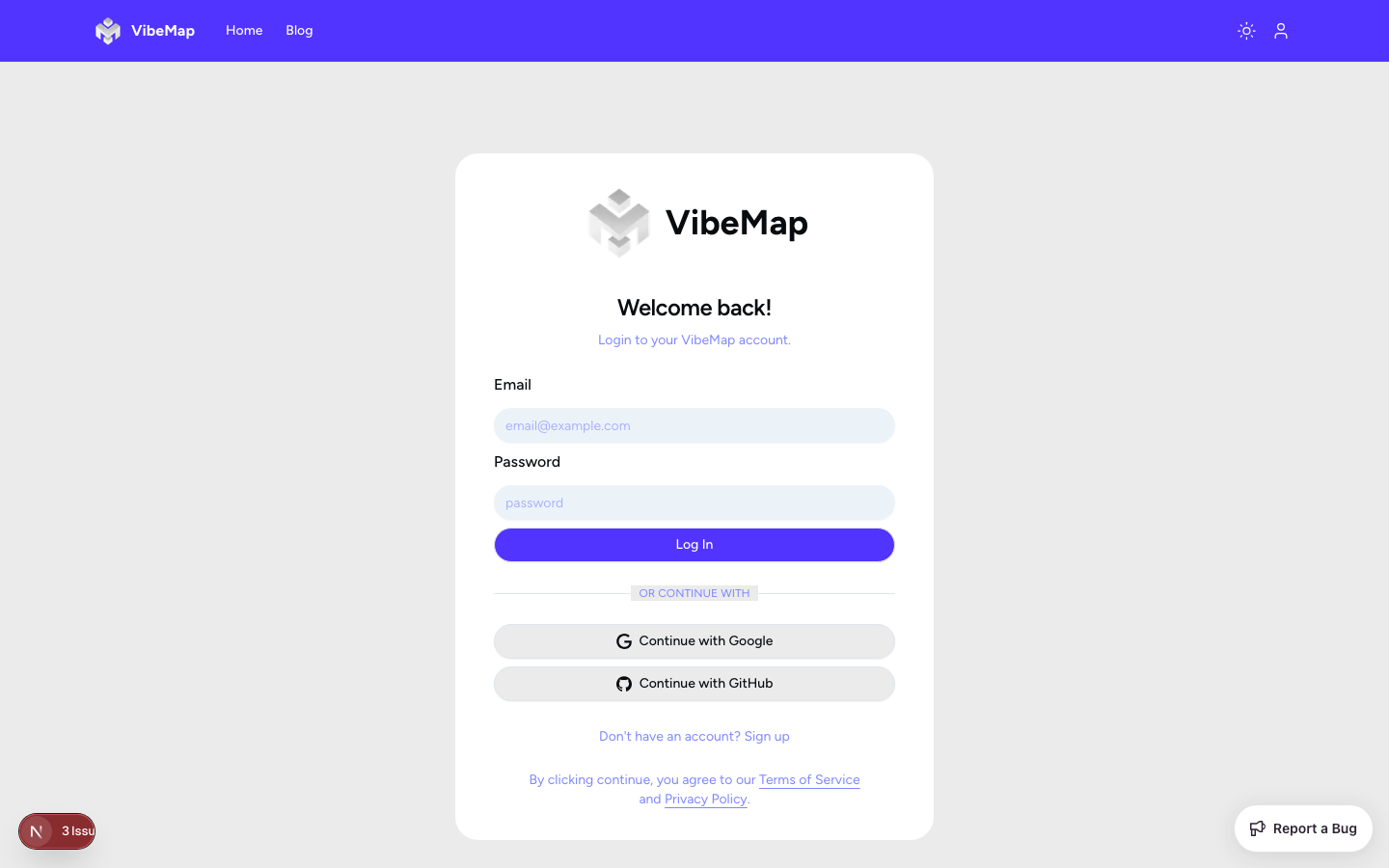
Click the "Login" or "Sign In" button in the navigation bar.
Enter your registered email address and password.
(Optional) Check "Remember Me" to stay logged in on this device.
Click "Sign In" to access your project dashboard.
Password Reset Process
If you forget your password:
Click the "Forgot Password?" link on the login page.
Enter your email address and click "Send Reset Link".
Check your email for a password reset message.
Click the link and enter a new secure password.
Return to the login page and sign in with your new credentials.
Dashboard Overview
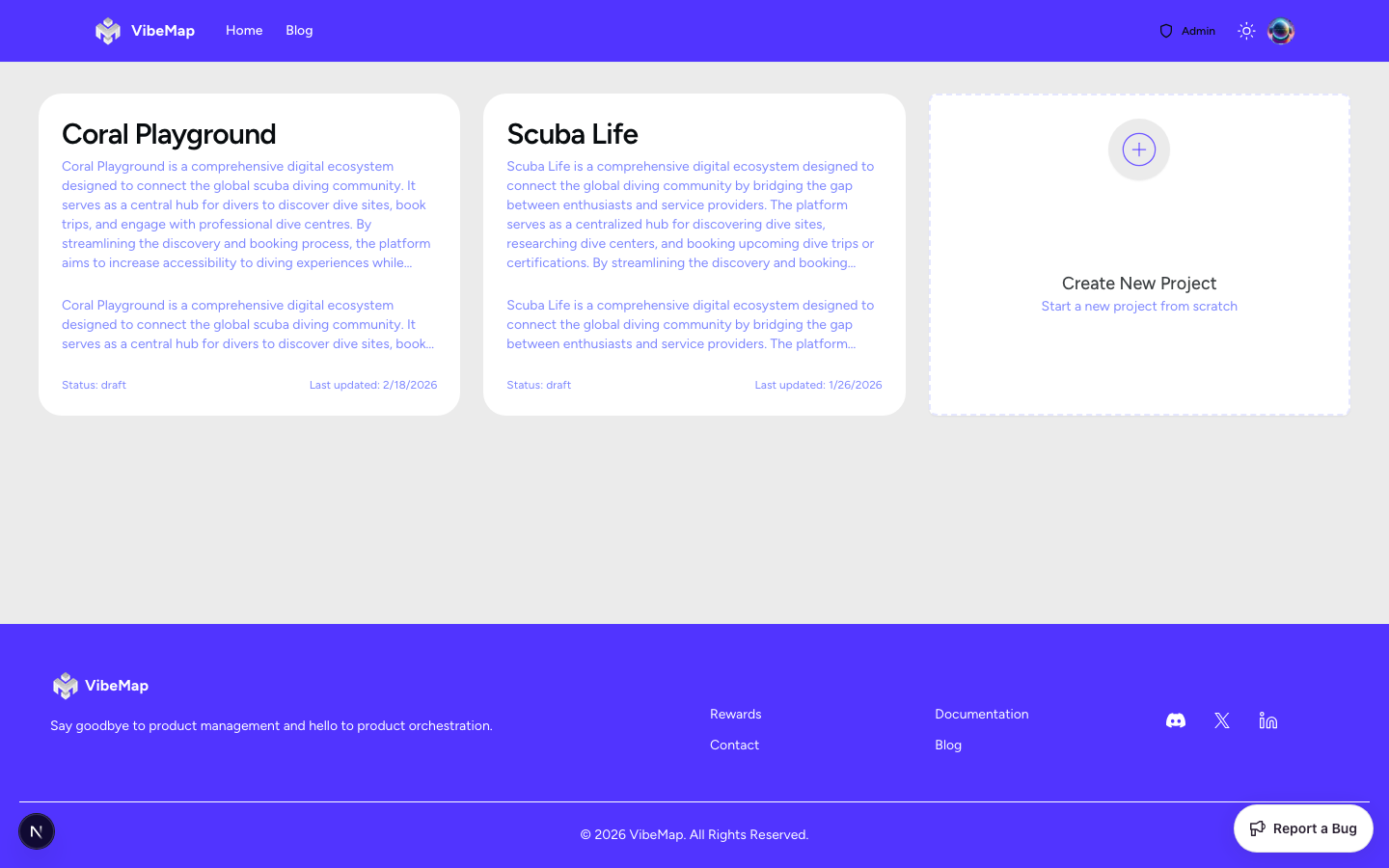
Upon successful login, you'll be greeted by your project dashboard. This is the central hub for all your analysis.
Account Management
From the user profile dropdown in the top right, you can access:
Profile Settings: Update your display name and email address.
Account Security: Change your password or enable two-factor authentication.
Billing & Usage: View your current plan, subscription status, and generation limits.
Logout: Securely end your current session.
Getting Started
If your dashboard is empty, your next step is to click the "New Project" button to start your first AI-powered project analysis.
Last updated
Was this helpful?